
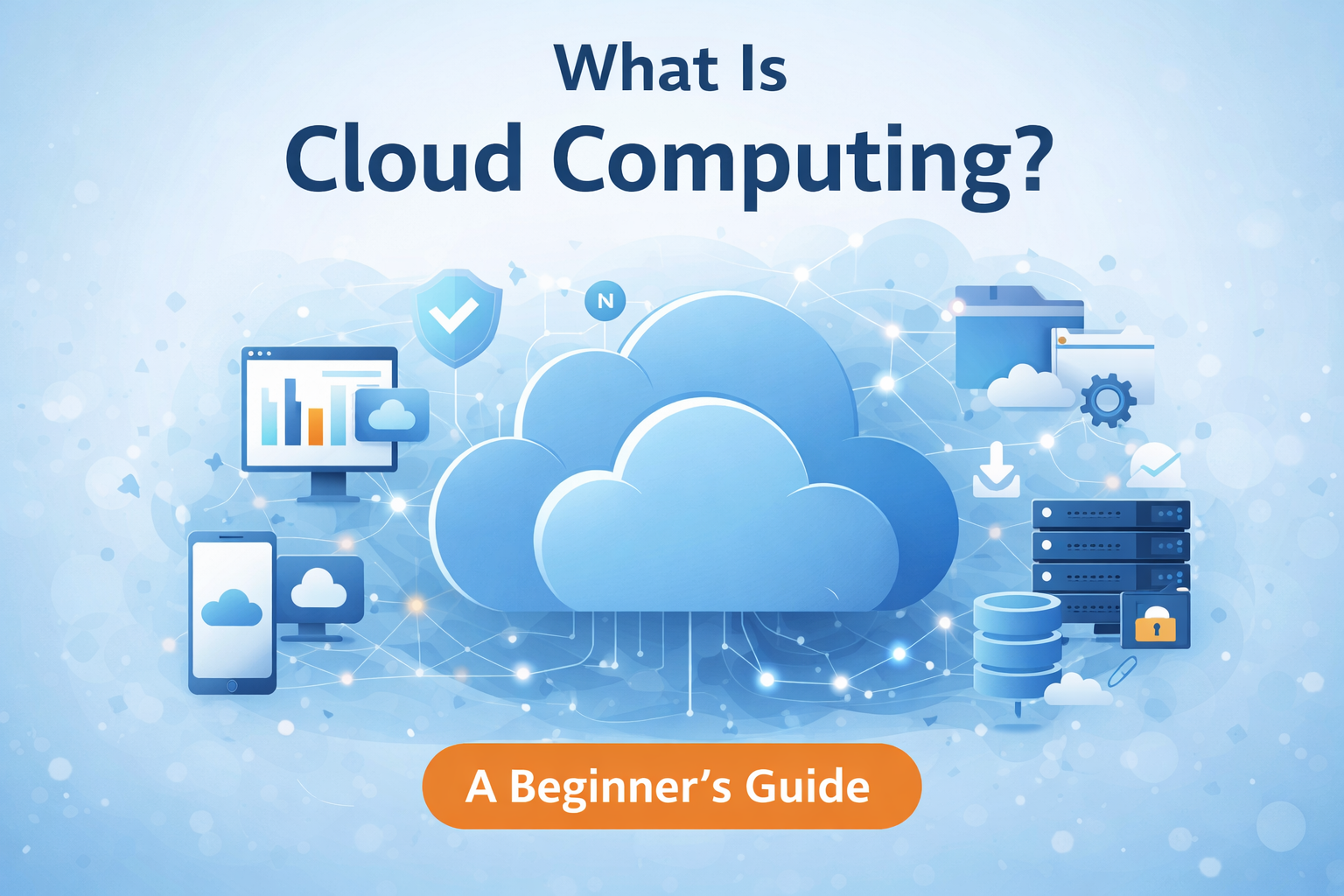
Cloud computing has quietly become a part of our daily digital life. From storing photos on Google Drive to watching movies on Netflix or running business websites, cloud technology works behind the scenes almost everywhere. Yet many people still wonder: What exactly is cloud computing, and how does it work?
In this guide, we’ll break down cloud computing in simple language, explain its types, benefits, services, real-world examples, and help you understand why cloud computing matters in 2025 and beyond.
Whether you’re a student, blogger, developer, or business owner, this guide will give you a clear understanding—without technical confusion.
What Is Cloud Computing? (Simple Definition)
Cloud computing means delivering computing services—such as servers, storage, databases, networking, software, and analytics—over the internet instead of using your personal computer or local servers.
In simple words:
Cloud computing lets you use technology services online without owning or managing physical hardware.
Instead of saving files on your laptop or running software installed on your PC, you access everything through the internet.
A Simple Real-Life Example of Cloud Computing
Imagine this scenario:
- You take a photo on your phone
- It automatically uploads to Google Photos
- You open the same photo on another device
That’s cloud computing.
The photo is not stored only on your phone. It’s saved on remote servers (the cloud) and accessed whenever you need it.
Why Is It Called “The Cloud”?
The word cloud comes from old network diagrams where the internet was drawn as a cloud shape.
The cloud represents:
- Remote data centers
- Global servers
- Internet-based infrastructure
You don’t see where the data is stored—you just use it.
How Does Cloud Computing Work?
Cloud computing works through a network of powerful servers located in data centers around the world.
Here’s a simplified breakdown:
- User requests a service (like opening an app or file)
- Request goes through the internet
- Cloud servers process the request
- Data or service is delivered back to the user
All of this happens in seconds.
Key Components of Cloud Computing
1. Data Centers
Data centers are physical buildings that store:
- Servers
- Storage devices
- Networking equipment
These facilities run 24/7 with strong security and backup systems.
2. Servers
Servers are powerful computers that:
- Store data
- Run applications
- Process requests
Cloud providers manage these servers so users don’t have to.
3. Virtualization
Virtualization allows one physical server to act like many servers.
This helps:
- Save resources
- Reduce costs
- Improve efficiency
4. Internet Connectivity
A stable internet connection is essential because cloud services are accessed online.
Types of Cloud Computing (Deployment Models)
There are four main types of cloud computing, based on who owns and manages the cloud.
1. Public Cloud
Public cloud services are owned and operated by third-party providers.
Examples:
- Google Cloud
- Amazon Web Services (AWS)
- Microsoft Azure
Best for:
- Startups
- Bloggers
- Small businesses
Benefits:
- Low cost
- Easy setup
- High scalability
2. Private Cloud
Private cloud is used by a single organization.
It can be:
- Hosted on-site
- Hosted by a third-party provider
Best for:
- Banks
- Government organizations
- Enterprises handling sensitive data
Benefits:
- More control
- Higher security
- Custom configurations
3. Hybrid Cloud
Hybrid cloud combines public and private clouds.
Best for:
- Businesses that need flexibility
- Companies with mixed workloads
Benefits:
- Better data control
- Cost efficiency
- Scalability
4. Multi-Cloud
Multi-cloud uses services from multiple cloud providers.
Benefits:
- Avoid vendor lock-in
- Improved reliability
- Better performance
Types of Cloud Computing Services (Service Models)
Cloud computing is delivered in three main service models.
1. Infrastructure as a Service (IaaS)
IaaS provides basic computing resources like:
- Virtual servers
- Storage
- Networking
Examples:
- AWS EC2
- Google Compute Engine
Best for:
- Developers
- IT teams
- Custom setups
2. Platform as a Service (PaaS)
PaaS provides a platform to build and deploy applications.
Examples:
- Google App Engine
- Heroku
Best for:
- Developers who don’t want server management
3. Software as a Service (SaaS)
SaaS delivers ready-to-use software over the internet.
Examples:
- Gmail
- Dropbox
- Zoom
- Canva
Best for:
- Everyday users
- Businesses
- Teams
Popular Cloud Computing Examples
Here are common tools you already use:
- Google Drive – Cloud storage
- Netflix – Cloud streaming
- WhatsApp – Cloud-based messaging
- Gmail – Cloud email service
- Shopify – Cloud eCommerce platform
Benefits of Cloud Computing
Cloud computing offers many advantages.
1. Cost Savings
- No hardware purchase
- Pay only for what you use
- Lower maintenance costs
2. Scalability
You can increase or decrease resources anytime.
Perfect for:
- Growing websites
- Seasonal traffic
3. Accessibility
Access data from:
- Any device
- Any location
- Anytime
4. Automatic Updates
Cloud providers handle:
- Security updates
- Software patches
- Maintenance
5. Data Backup & Recovery
Cloud services offer:
- Automatic backups
- Disaster recovery options
6. Collaboration
Teams can:
- Work together in real time
- Share files instantly
Challenges and Limitations of Cloud Computing
While cloud computing is powerful, it also has limitations.
1. Internet Dependency
No internet = limited access
2. Security Concerns
Although providers use strong security, risks include:
- Data breaches
- Misconfigurations
3. Downtime
Even big providers can experience outages.
4. Vendor Lock-In
Switching providers can be difficult once deeply integrated.
Cloud Computing Security Explained Simply
Cloud security includes:
- Data encryption
- Firewalls
- Identity management
- Access controls
Shared responsibility model:
- Provider secures the infrastructure
- User secures data and access
Cloud Computing vs Traditional Computing
| Feature | Traditional Computing | Cloud Computing |
|---|---|---|
| Hardware | On-site | Remote |
| Cost | High upfront | Pay-as-you-go |
| Scalability | Limited | Flexible |
| Maintenance | Manual | Provider-managed |
Cloud Computing for Businesses
Cloud computing helps businesses:
- Reduce IT costs
- Scale quickly
- Improve productivity
- Enable remote work
Used by:
- Startups
- Enterprises
- Online stores
- SaaS companies
Cloud Computing for Bloggers & Creators
Bloggers use cloud computing for:
- Website hosting
- Content storage
- SEO tools
- Email services
Examples:
- Cloud hosting platforms
- CDN services
- Analytics tools
Cloud Computing in Everyday Life
You use cloud computing when you:
- Stream videos
- Save files online
- Use mobile apps
- Attend online meetings
Future of Cloud Computing (2025 and Beyond)
Cloud computing continues to evolve with:
- Artificial Intelligence (AI)
- Edge Computing
- Serverless Computing
- Cloud-native apps
Cloud adoption is increasing across:
- Healthcare
- Education
- Finance
- E-commerce
Is Cloud Computing Safe?
Yes—when used correctly.
Tips for safety:
- Use strong passwords
- Enable two-factor authentication
- Regularly review access permissions
Who Should Learn Cloud Computing?
Cloud computing is useful for:
- Students
- Developers
- Bloggers
- Entrepreneurs
- IT professionals
Even basic knowledge is valuable in today’s digital world.
Simple Cloud Computing Glossary
- Server: A computer that provides services
- Data Center: Facility that houses servers
- Virtual Machine: Software-based computer
- Scalability: Ability to grow resources
- Backup: Copy of data for safety
Final Thoughts: Why Cloud Computing Matters
Cloud computing is no longer the future—it’s the present.
It simplifies technology, reduces costs, and enables innovation at every level. Whether you’re running a blog, managing a business, or simply storing photos, cloud computing makes digital life easier.
Understanding cloud computing today helps you stay prepared for tomorrow.
FAQ:
1: how to make a website?
here is complete guide on how to make website
2: how to move chats from iphone to android?
here is complete guide on how to move chats from iphone to android.
Home>>
[…] StopPopUpAds #AndroidTips #AdBlockAndroid#Cloud computing […]